5 Steps to Move Your Cattery Off Spreadsheets (a Species-Aware Checklist)
Every cattery's records start the same way: a spreadsheet, a diary, and a phone full of texts. It works until the season you get busy — then double entries, stale vaccination dates and who-was-in-unit-3 mysteries start costing real money. Moving to a management system is mostly a data-migration job, and for a cattery the migration has a species dimension most checklists miss.
Step 1: Gather what you actually have
Before importing anything, pull your records into one spreadsheet with a row per customer: name, phone, email, and their cats — names at minimum; vaccination status and dates if you have them. Don't chase completeness. Owners will fill gaps themselves the first time they book online, which is better than you transcribing a faded vaccination card.
Step 2: De-duplicate before you import, not after
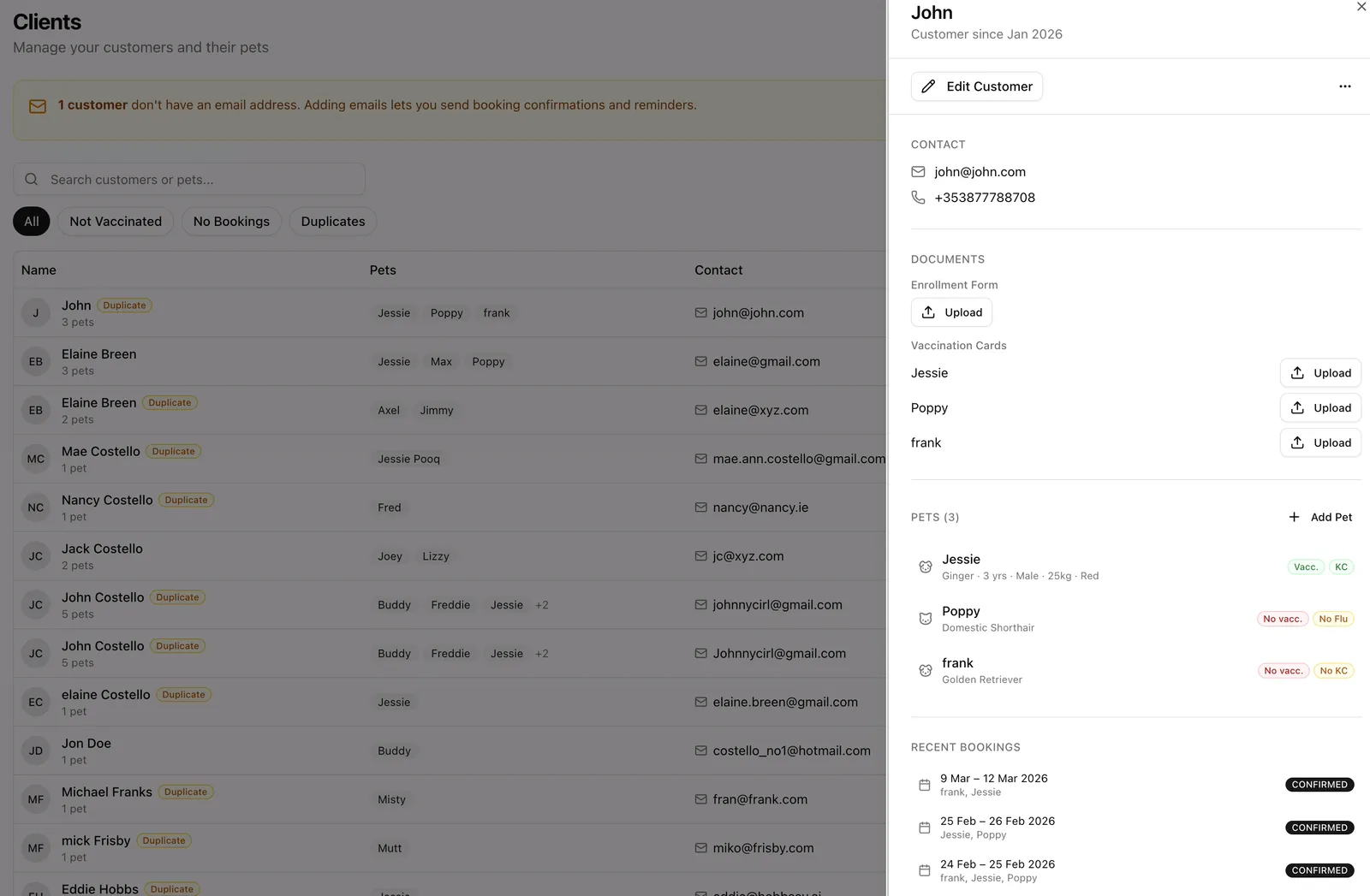
Spreadsheets accumulate the same customer three ways — “Mary O'Brien,” “Mary OBrien,” and a phone number with no name. Phone numbers are your best merge key: sort by number, merge rows that share one, and give every surviving row one canonical spelling. An hour of this beats months of which-Mary confusion in your new system.
Step 3: Map columns with species in mind
Here's the cattery-specific trap: generic import tools assume a “Pet Name” column means a dog, and some will happily create your entire clientele as dogs — wrong vaccination fields, wrong booking questions, wrong everything downstream. A species-aware import reads your business type: if you're a cattery, “Pet Name” means cats; if you board both, dog and cat columns import separately; and a column for a species you don't board should be skipped, not guessed at.
Step 4: Verify with the records that have teeth
Spot-check ten customers after import, and make vaccination data your priority: cat flu status drives whether a cat can board, so an import error there surfaces at drop-off — the worst possible moment. Check counts (customers in, customers out), then check that your regulars' cats carry the right names and statuses.
Step 5: Let the first bookings finish the job
Your imported data will be imperfect, and that's fine. Mark migration as done when the structure is right, then let the system complete the details: each returning customer's first online booking confirms their contact details, their cats and their vaccination records — distributed data-entry you don't do.
How The Kennel Manager imports
The CSV import maps your columns with your business type in mind: a cattery's generic pet columns import as cats, mixed facilities get distinct dog and cat mappings, and columns for a species you don't board are left alone rather than guessed into your data. Customers arrive with their cats attached and flow straight into online booking — where your regulars quietly tidy the last of the spreadsheet era for you.